
How to build a repeatable scraping workflow
Choose supported data sources, arrange collection steps and save a reusable scraping workflow. Set the inputs and source options for each step, then test it with a small search.
Step 1: Workflow Builder
Choose the supported source steps and review their dependencies.
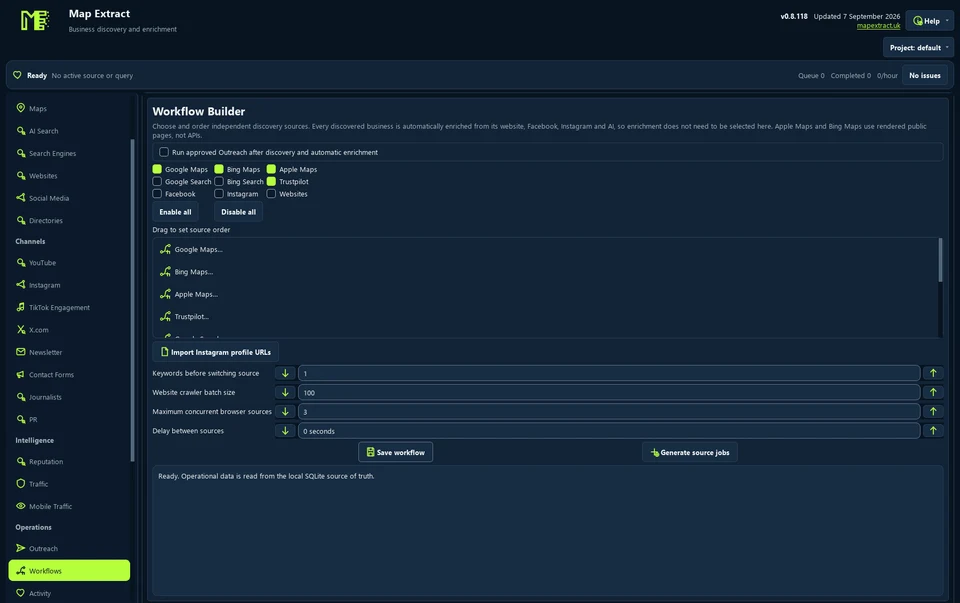
Workflow Builder configures supported source operations. Step 2: Workflow Builder
Check the saved input and scope for each step; external actions need separate approval.
Step 3: Workflow Builder
Start the core discovery queue locally; inspect the active work.
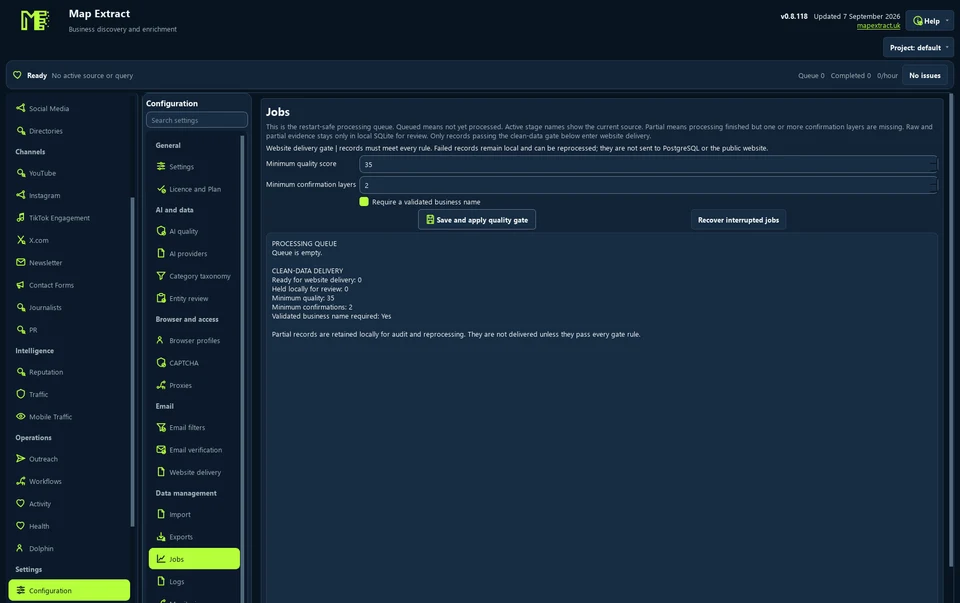
Saved jobs provide operational context. Step 4: Activity
Review completed and blocked steps; repair a source before repeating it.
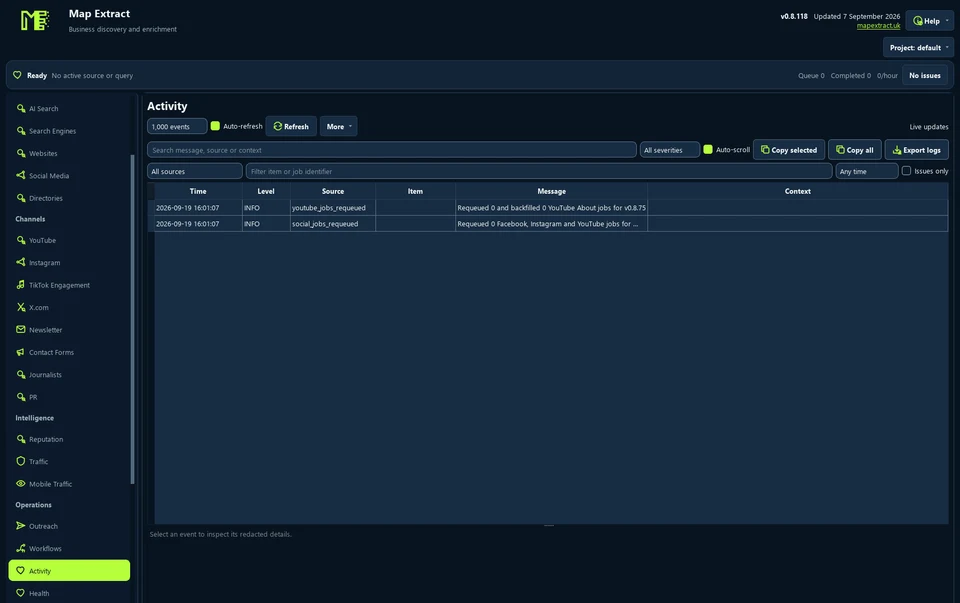
Activity records job progress. Step 5: Run centre
Use only prepared supported connected module instances for combined discovery control.
Check the result
A repeatable process for collecting and enriching business data.
- Workflows run the core collection sources. Standalone modules such as uploaders keep their own controls.
- Search, Facebook, Instagram and website crawler sources are off by default; enable the ones you need.
- More parallel workers use more memory. Start with a small test run.
Read the responsible use guidance before you run this module on real data.
Troubleshooting
- The expected input or account is missing
- Recheck the prerequisites: Project; Configured supported connectors; Reviewed inputs and limits.
- The output is incomplete or unavailable
- Workflow Builder and Run centre are not universal executors for every module.
- The job was interrupted
- Pause or stop the supported local job controls, then inspect its recorded state. Resolve a blocked account or source before restarting. Check the destination before repeating any action whose outcome is uncertain.
Questions
What setup does Workflow Builder and Run Centre require?
Supported source steps and saved search settings. Project. Configured supported connectors. Reviewed inputs and limits.
What does workflow automation builder produce?
A repeatable process for collecting and enriching business data.
What should I check before using Workflow Builder and Run Centre?
Workflow Builder and Run centre are not universal executors for every module.
Next steps
Follow along in the free demo
Install Map Extract on Windows and work through these steps with a small test project.